
Work / Billing & reporting
Tree care contractor, US
A crew’s day and its jobs arrive on separate sheets in a FastField export. The billing workspace matches them by submission ID so a reviewer can assign the billable activity and release an invoice.
A crew’s day and its jobs arrive on separate sheets in a FastField export. The billing workspace matches them by submission ID so a reviewer can assign the billable activity and release an invoice.
Case study · Billing & reporting · Mar–Sep 2026
Turn a crew’s work receipt into an invoice.
Process before
FastField stores crew-day details on one sheet and the jobs worked that day on another.
To prepare an invoice, billing needs the matching crew, hours, equipment and job reference, then has to apply the right activity rule.

Process map
Before → after, step by step
Before
- Export crew and job sheets
- Match jobs to crew days
- Apply billing rules
After
- Join by submission ID
- Reviewer assigns activities
- Export invoice PDFs
What we built
The importer joins the crew-day and job rows by submission ID. A billing reviewer chooses an activity from the original set of 19 service codes. The pricing engine applies the corresponding rule and the app renders the reviewed line items as an invoice PDF.


Who runs it now
Crews supply the work receipts. A billing reviewer chooses the activity, checks the resulting line items and releases the PDF. The software performs the join and calculations, preserving the reviewer’s decision about what to bill.
What’s next
A next review could categorize rows that billing changes before export. That would identify which receipt fields or activity descriptions crews need to record more clearly.
More work.
All work →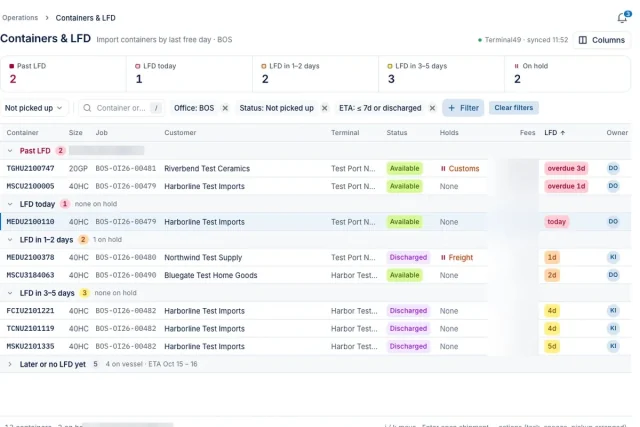 Billing & reportingBOC International
Freight forwarding & customs · Oct–Nov 2026
Billing and branch reporting
- Human check
- Finance checks open items
- Who runs it
- Finance and branch leads
- Systems connected
- CargoWise · WiseTech · BOC Platform
- Status
- Client-operated
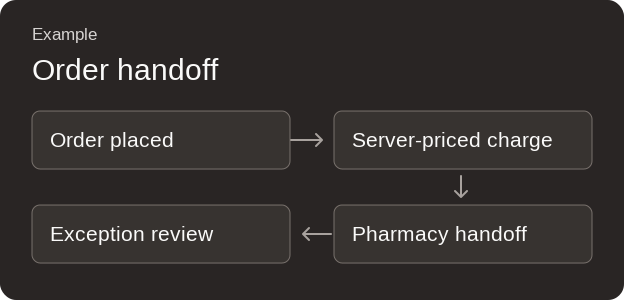 Order operationsPharmacy ordering platform (503A/503B), US
Healthcare · pharmacy operations · Nov 2026
Provider ordering and exception review
- Human check
- Reviewer resolves exceptions
- Who runs it
- Provider and operations teams
- Systems connected
- Portal · payments · fulfillment
- Status
- Built by Flow Source

Leave the work to us.
- We reply within one business day.
- A short call to map the process.
- A straight answer on whether it’s a fit.
Prefer to talk it through?
Request a call